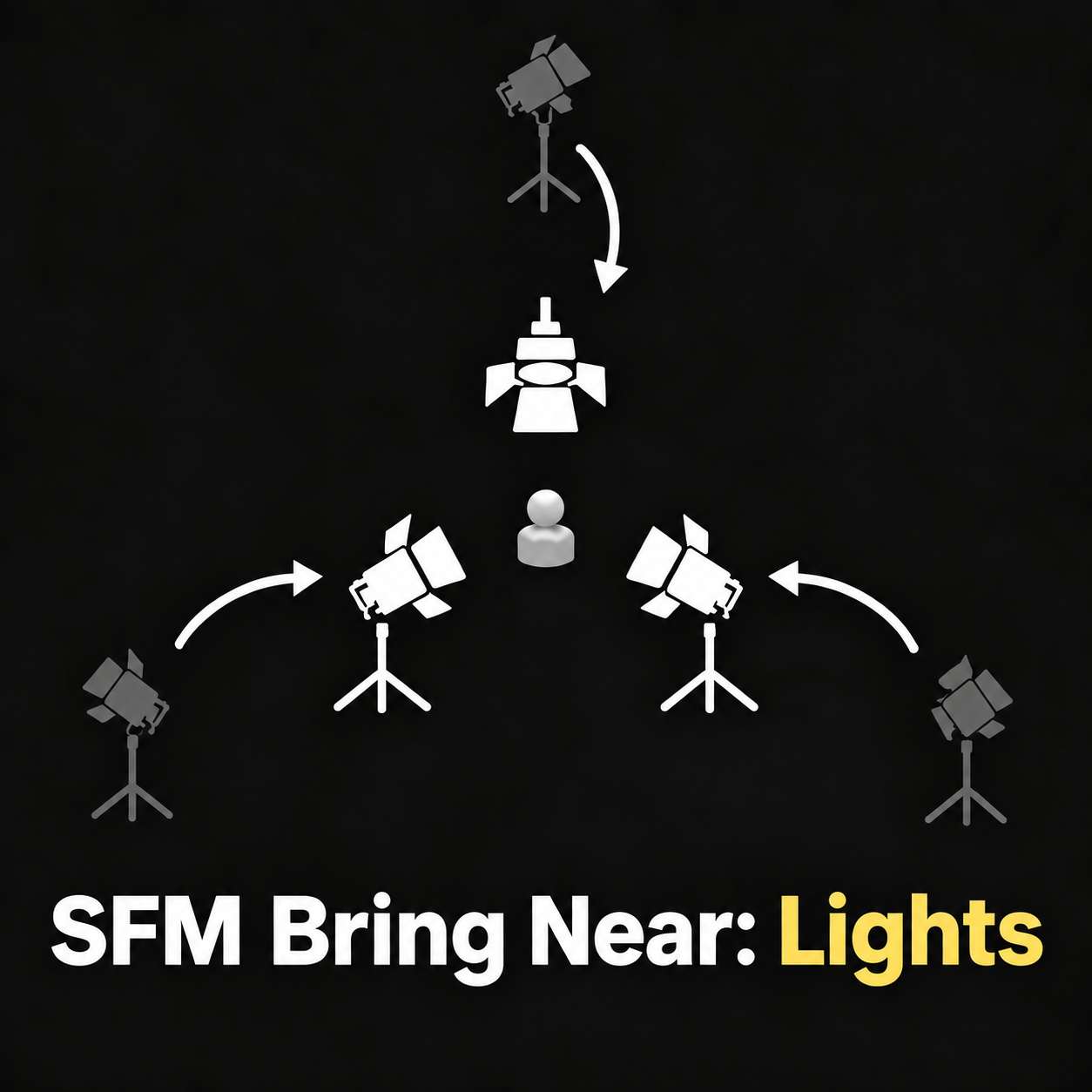
Quickly move existing lights into useful starting positions around any model or prop.
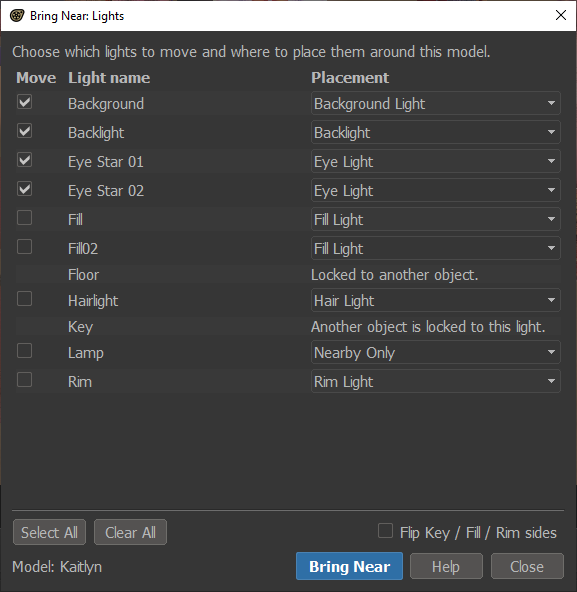
Right-click a model, choose Rig > Bring Near…, then select which lights to move and where they should go.
Placements Include: Key, Fill, Backlight, Rim, Hair, Floor, Eye, Background, Nearby Only.
Auto-naming: name a light Key, Fill, Backlight, Rim, Hair, Eye, Floor, or Background, and Bring Near suggests that placement automatically. You can change any placement before moving.
Flip Key / Fill / Rim sides instantly mirrors those three lights to the opposite side of the model.
The tool does not create lights or automate final lighting. It simply moves your scene’s existing lights into consistent starting arrangement so you can fine-tune the shot normally.
Features
- Works with characters and props
- Moves only the lights you select
- Keeps unsafe locked/parented lights from being moved
- Eye Light places a selected light close to the model’s eyes and points it at them
- Nearby Only moves a light beside the model without changing its direction
- Supports Undo with Ctrl+Z
Version: 1.0.2 · Updated: 20 Sept 2026 · Public Domain (CC0)
Release History
Version 1.0.2 — 20 Sept 2026
- Added support for SFM Light Kits.
- Light Kits now move as one complete setup centered on the model.
Version 1.0.1 — 12 Sept 2026
- UI polish and spacing improvements.
Version 1.0.0 — 11 Sept 2026
- Initial release