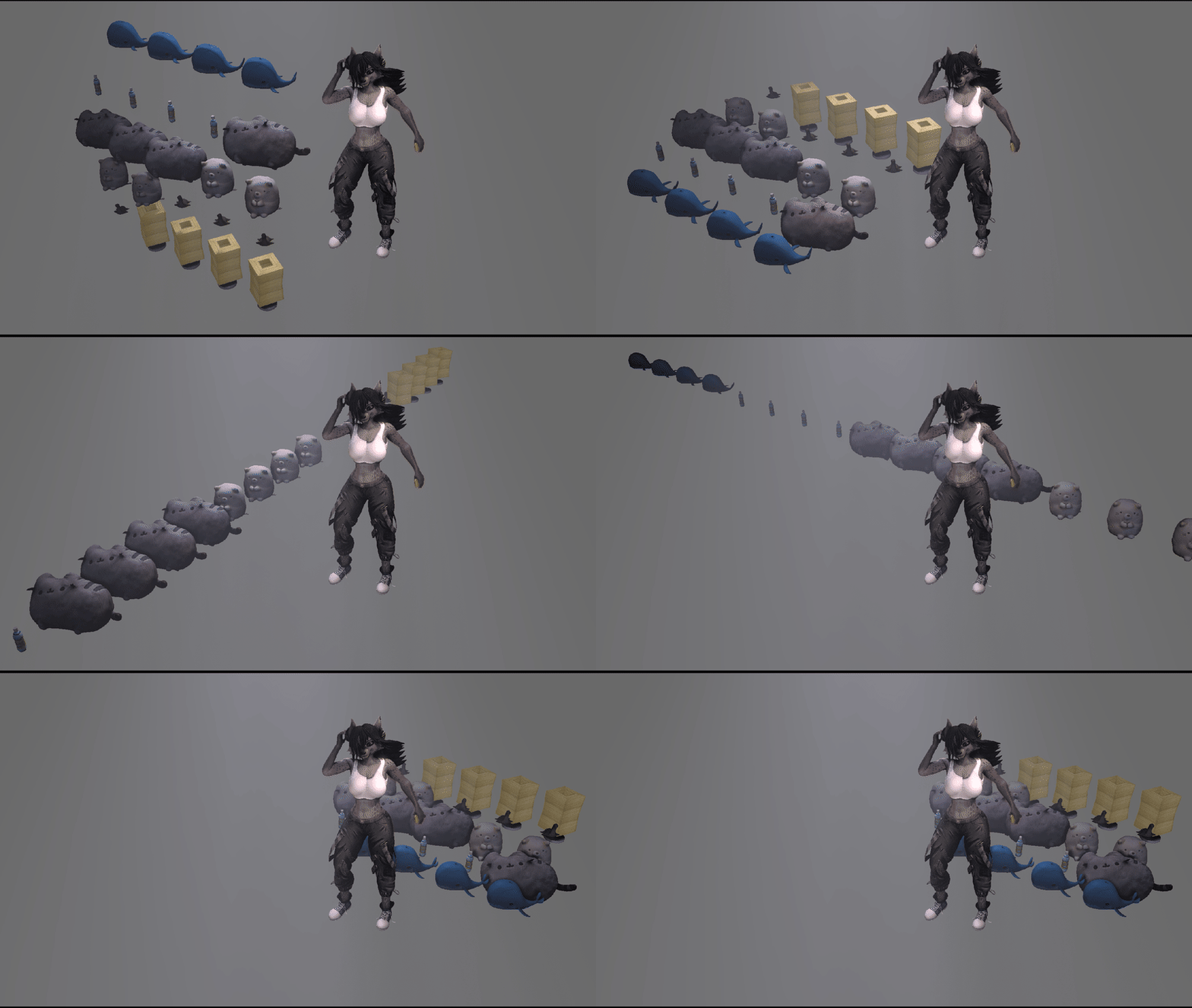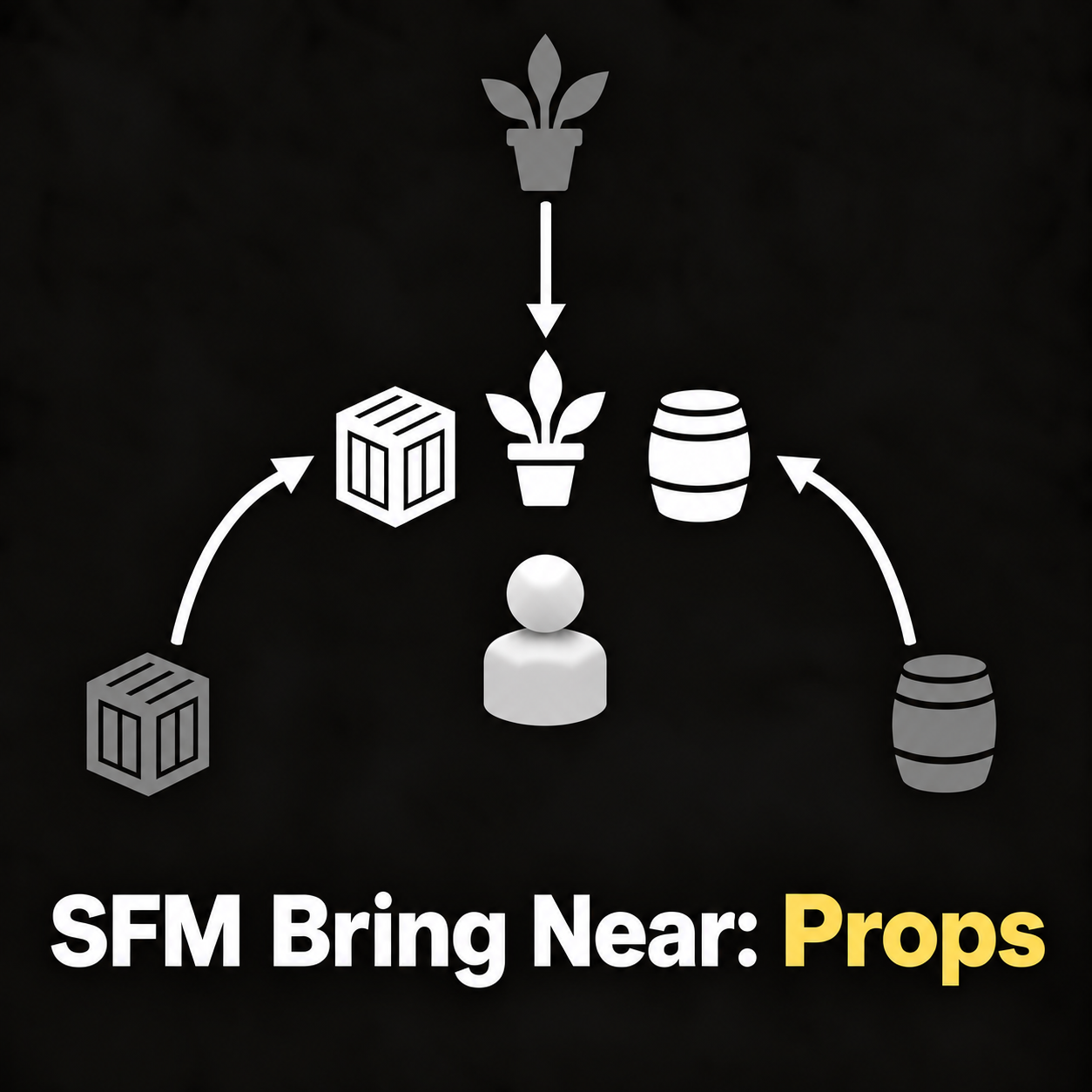
Quickly move selected props or character models into positions around any model or scene camera.
Select the models you want to move. Then right-click the model or camera you want to use as the fixed point and choose Rig > SFM_Bring_Near_Props.
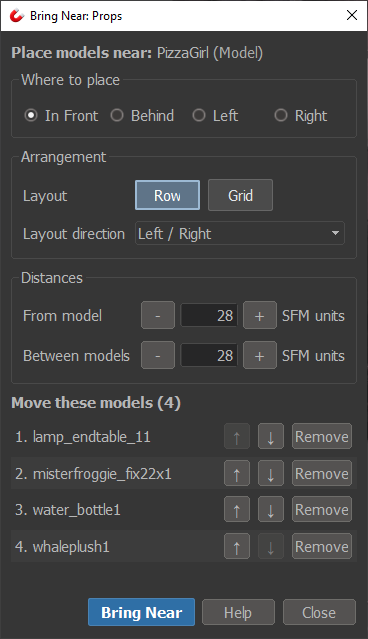
Placement: choose whether the models move In Front, Behind, Left, or Right of the fixed point.
Layouts: arrange models in a Row or Grid, with Front / Back, Left / Right, or Up / Down layout directions.
Distances: control how far the group sits from the fixed point and how much space sits between models. Distances are measured from model root transforms.
Reorder models with the up/down controls to change their position in the Row or Grid.
The tool moves model positions only. Rotation, scale, and existing parenting are preserved. If a model is already animated, Bring Near keeps its existing motion and moves the whole animation with it.
Features
- Works with character models and cameras
- Row and Grid arrangements
- In Front, Behind, Left, and Right placement
- Adjustable distance from the fixed point and spacing between models
- Reorder models before placement
- Supports Undo with Ctrl+Z
Version: 1.0.1 · Updated: 17 Sept 2026 · Public Domain (CC0)
Release History
Version 1.0.1 — 17 Sept 2026
- Added separate Columns and Rows controls for choosing the Grid plane.
Version 1.0.0 — 17 Sept 2026
- Initial release